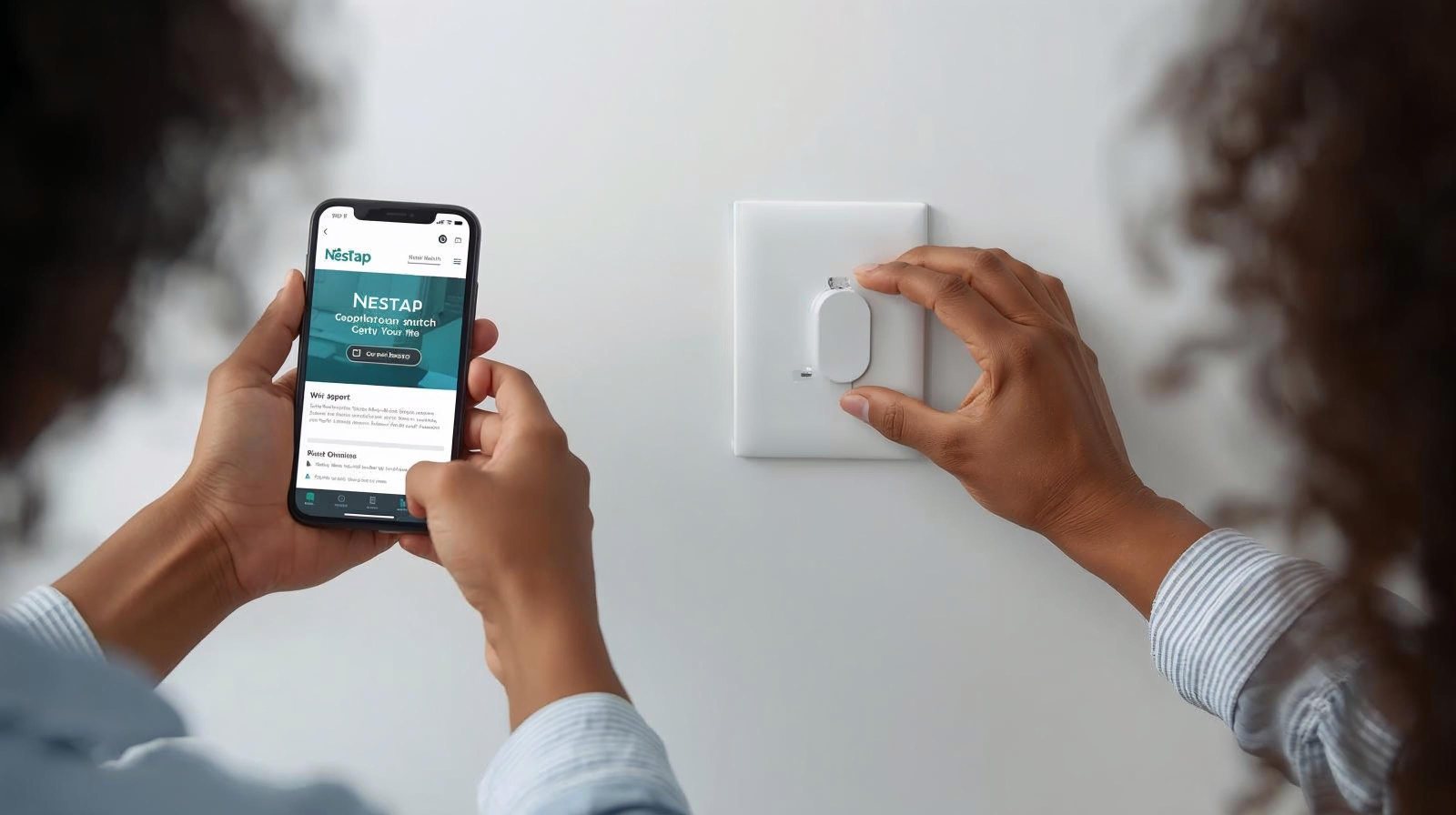
Power cuts are a normal part of life in Bangladesh, so we design NesTap for them from the start. The most important rule: your wall keys always work, with or without internet.
When the power comes back
Every NesTap switch has a power-on setting, chosen per switch in the app:
- Stay off: nothing turns on by itself. Best for bedrooms, so lights do not switch on at 3 am when the power returns.
- Turn on: useful for a light you always want on, such as a corridor or a gate light.
- Return to how it was: the switch remembers each key and puts it back.
Timers and schedules
A running timer (for example, "turn off the water heater in 30 minutes") stops when the power goes. Schedules are stored on the switch itself. After a power cut, the switch waits until it knows the correct time again from the internet, then carries on with your schedule.
No internet? No problem
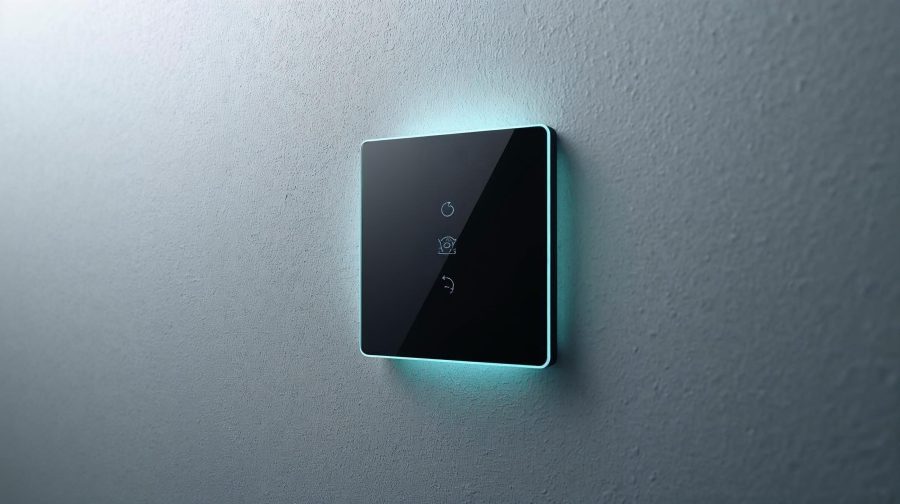
If the power is back but the internet is not, every switch still works from the wall. The blue ring blinks slowly while it looks for the network, and it reconnects by itself when the internet returns. No need to reset anything.
IPS and generators
- Put your router on the IPS or generator line. Then the app keeps working during a power cut for everything that still has power.
- Switches on IPS lines keep working normally, so you can still control those lights and fans from the app.
- If your generator causes big voltage swings when it starts, ask your electrician about surge protection at the distribution board. It protects all your electronics, not only smart devices.
In short
Set the power-on behaviour once, keep your router on backup power if you can, and your NesTap home will ride through load-shedding without surprises.